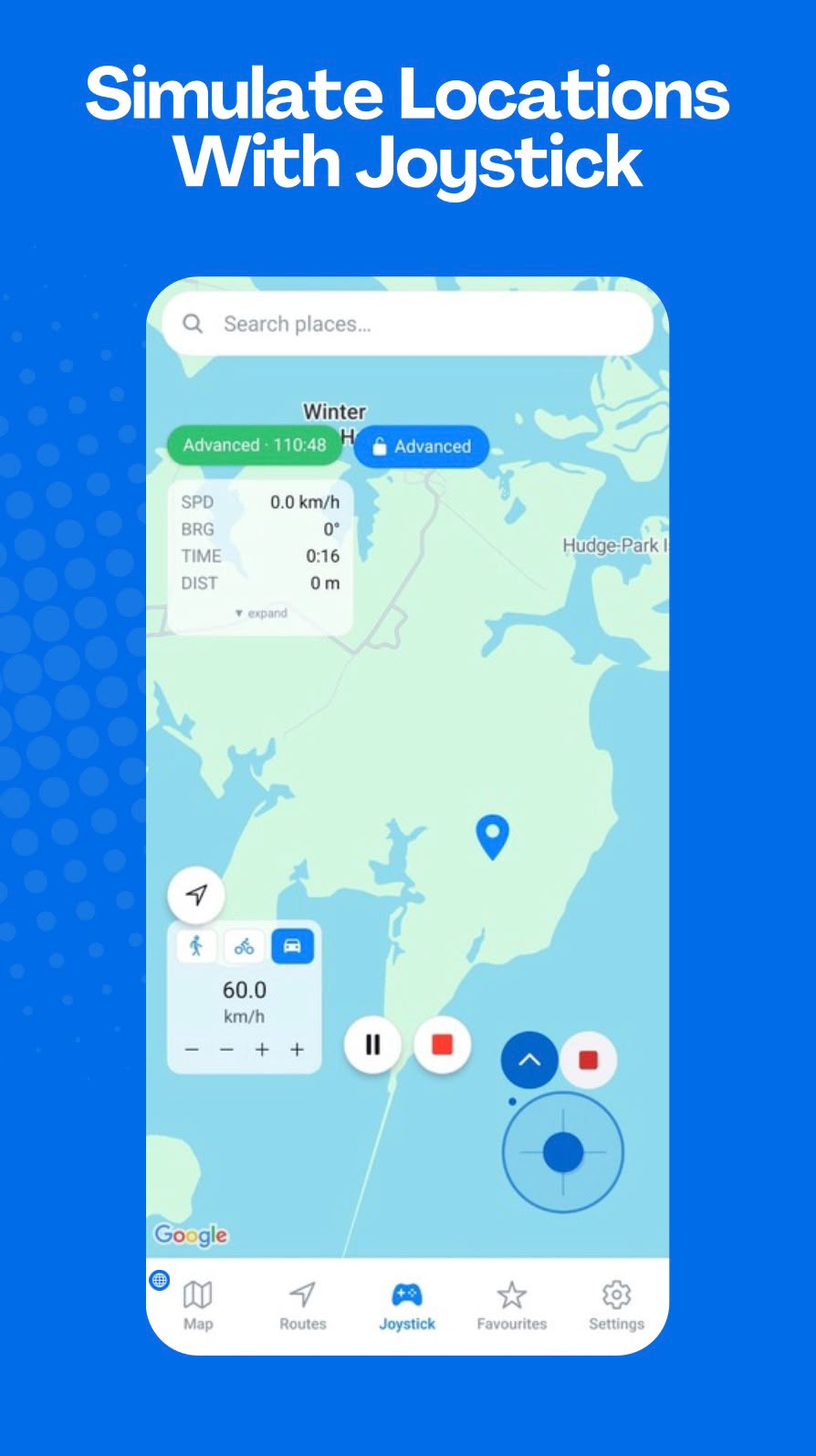
Manual direction and speed control
Use the on-screen GPS joystick to move a simulated location in a chosen direction. The interface is suited to testing or demonstrating location-based workflows that need more direct movement control than a predefined route.
Adjust as you move
Speed controls let you adjust simulated movement while the joystick is in use. The app’s live panel shows movement information including speed, bearing, time, and distance.
Floating joystick support
GPS Emulator - Routes & Joystick includes a floating overlay joystick on compatible Android devices and configurations. Availability can vary based on device settings and Android support.
Works with Android mock-location settings
Like route simulation, joystick movement relies on Android’s supported mock-location system. Learn about Android mock location before starting a simulation.