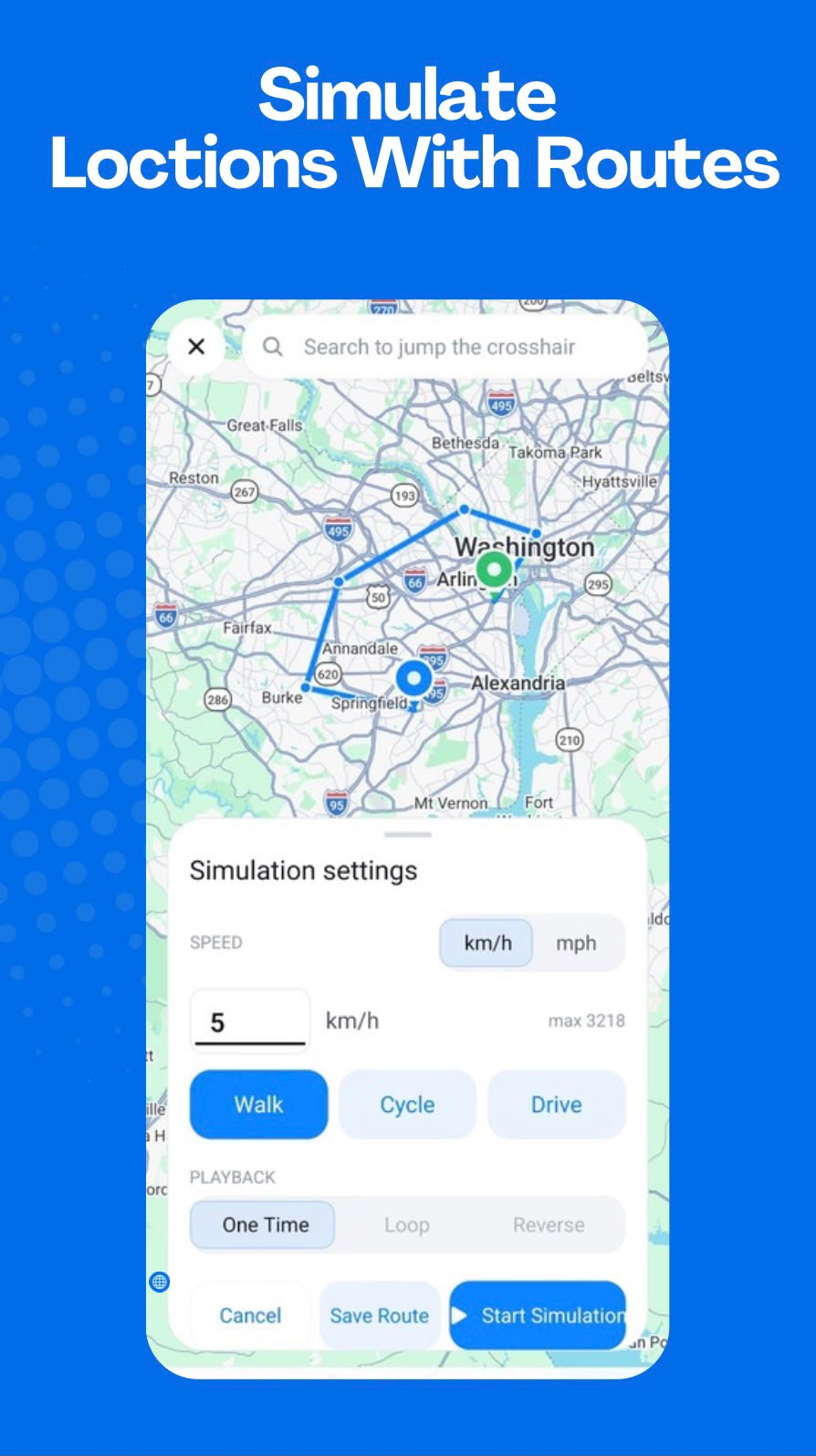
Create a route from selected locations
GPS Emulator - Routes & Joystick lets you choose waypoints from the map and request route data between them. The calculated path provides the basis for simulated movement, rather than asking you to manage each point manually.
Choose movement settings
Configure a movement mode and speed before starting. The app includes Walk, Cycle, and Drive modes, along with One Time, Loop, and Reverse route playback options.
Run and repeat saved routes
Once a route is ready, start the simulation and use playback controls to manage it. Saved routes make it easier to return to a simulation setup later.
How route requests are handled
Coordinates selected for route calculation may be transmitted to a routing provider to generate route data. See the Privacy Policy for the current processing details.