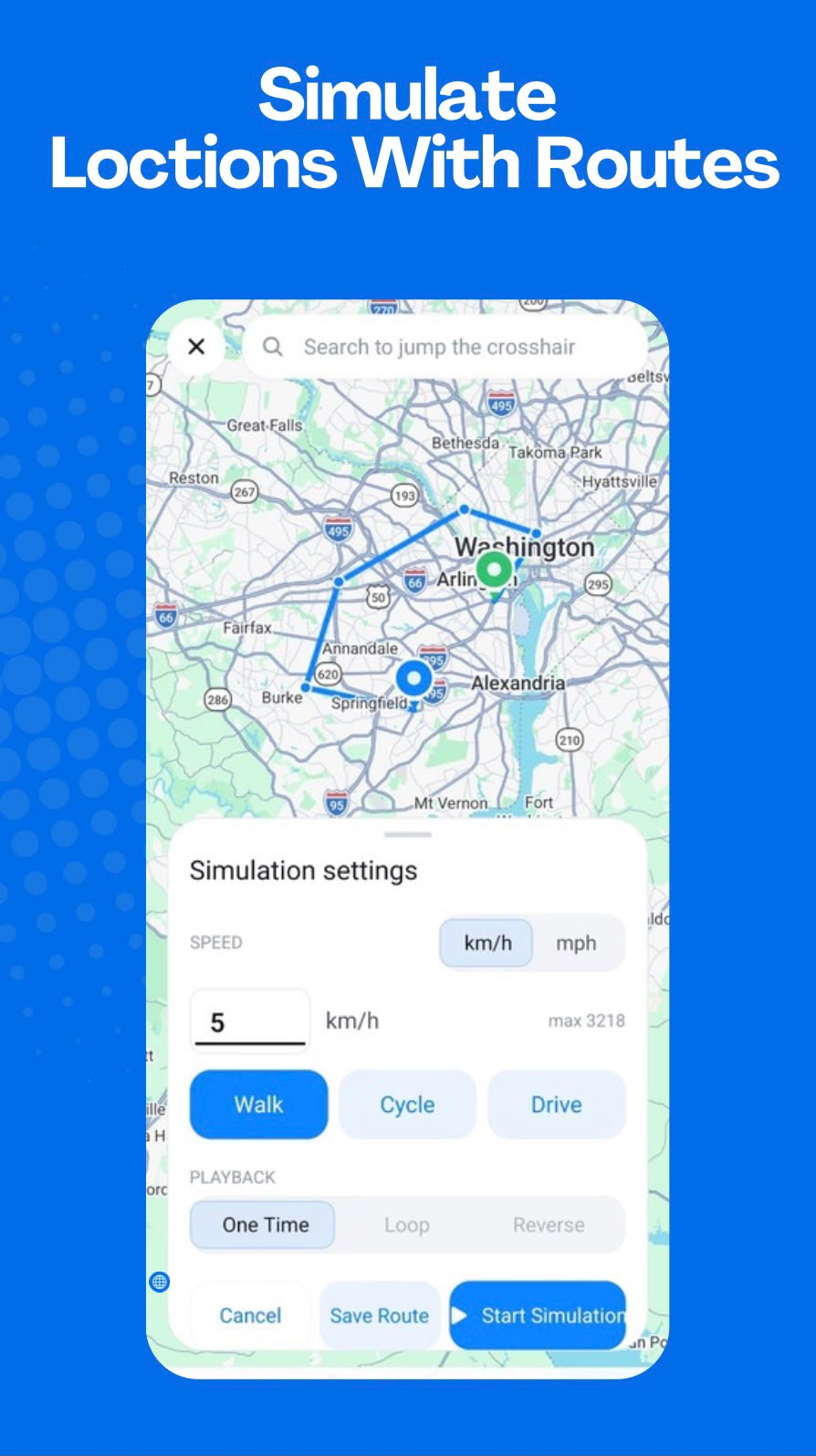
Start with selected locations
Choose points on the map that define the route. GPS Emulator - Routes & Joystick can use these coordinates to request route information and present a path for simulated playback.
Calculate the route
The coordinates needed to generate a route may be passed to a routing provider. The result contains the path information used by the app to guide the simulation.
Configure playback
Set an appropriate movement mode and speed, then choose one-time, loop, or reverse playback when available for the route.
Use Android mock-location support
Route playback relies on the same Android mock-location configuration as other GPS Emulator - Routes & Joystick simulations. Device setup and compatibility can vary.